Timeline editor

Guided by default. A timeline when you want one.

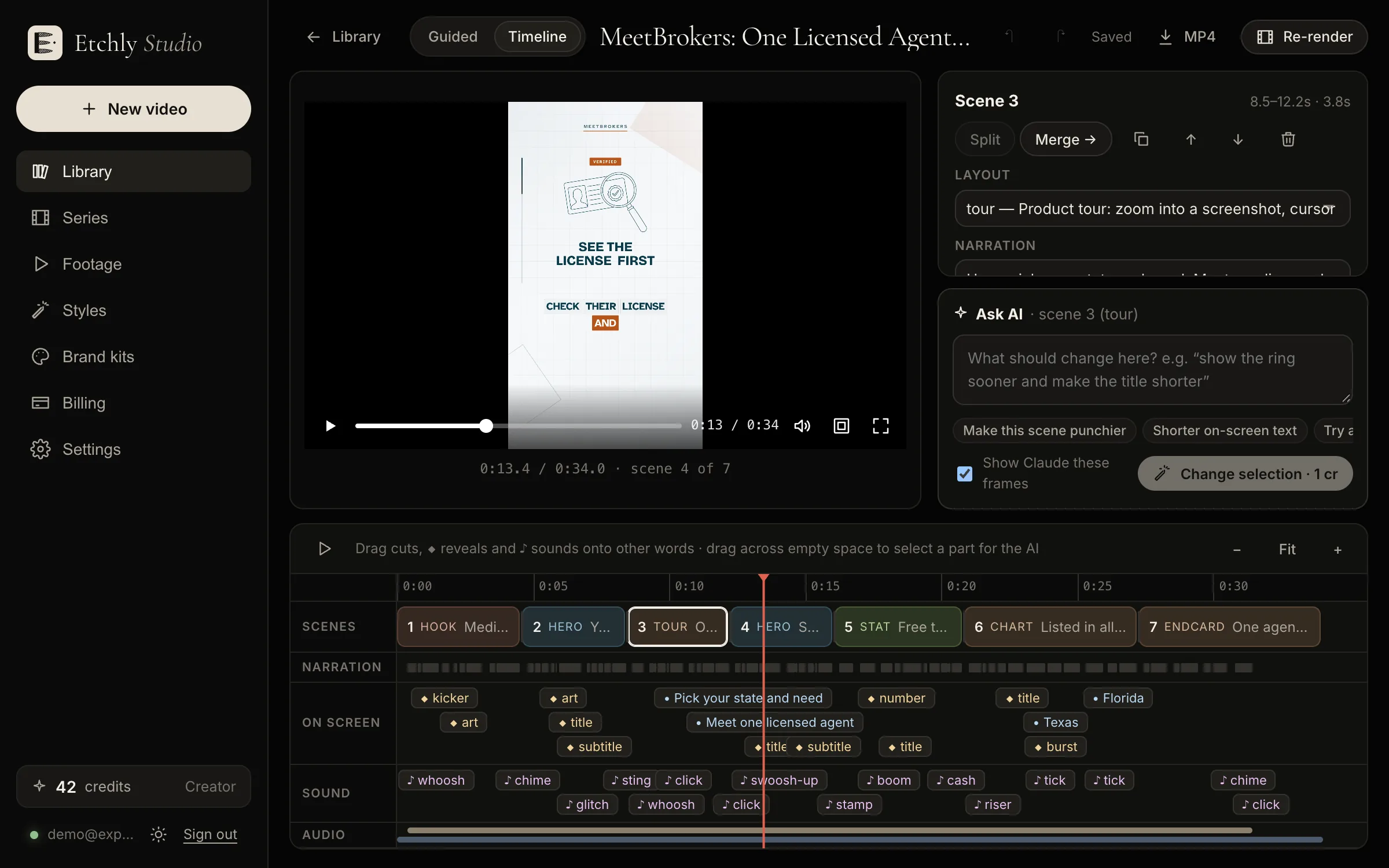
Most videos never need it: the guided flow writes, directs and reviews everything for you. When you want to place something exactly, switch to the timeline and edit the finished video directly, with every change snapped to the voiceover.

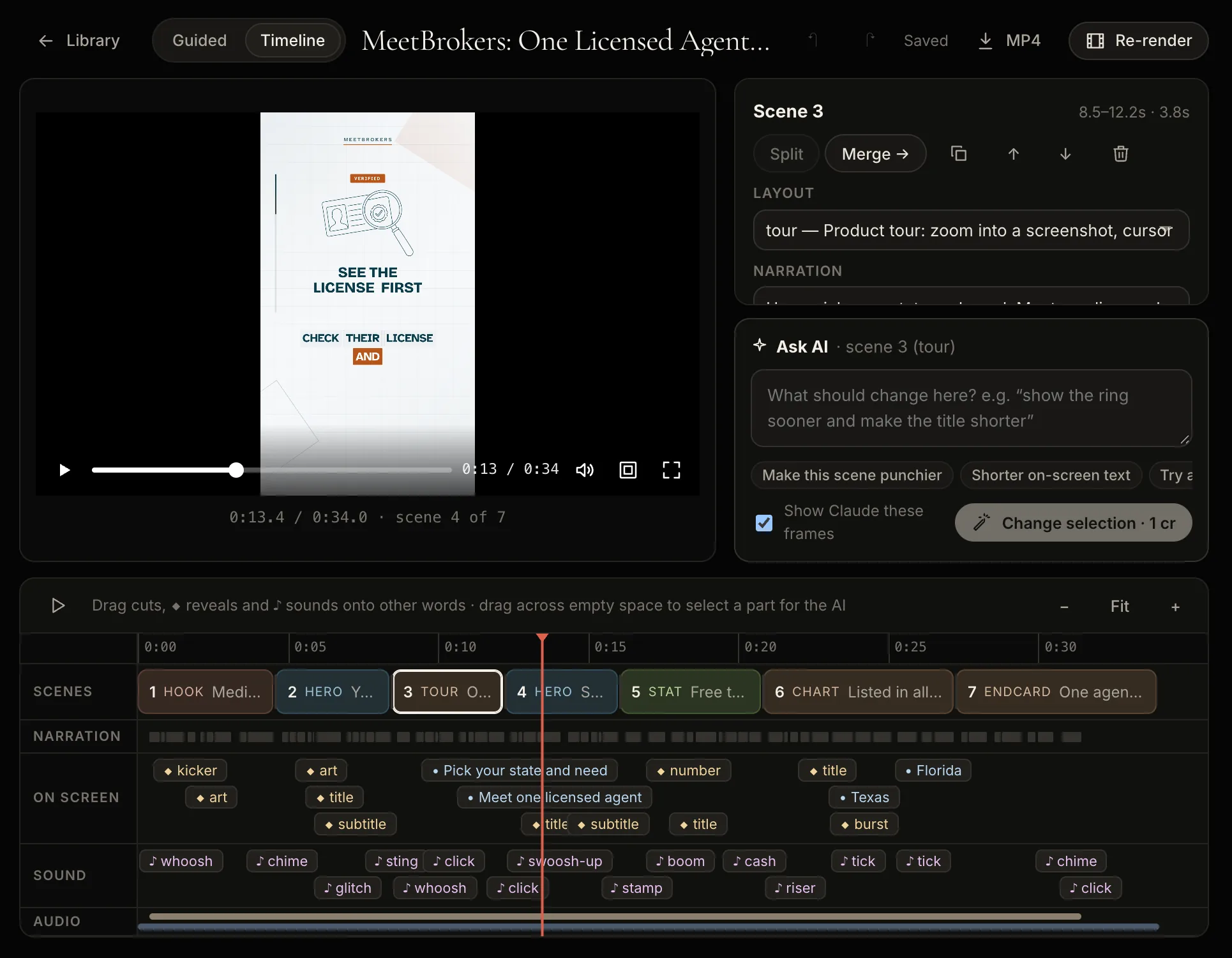
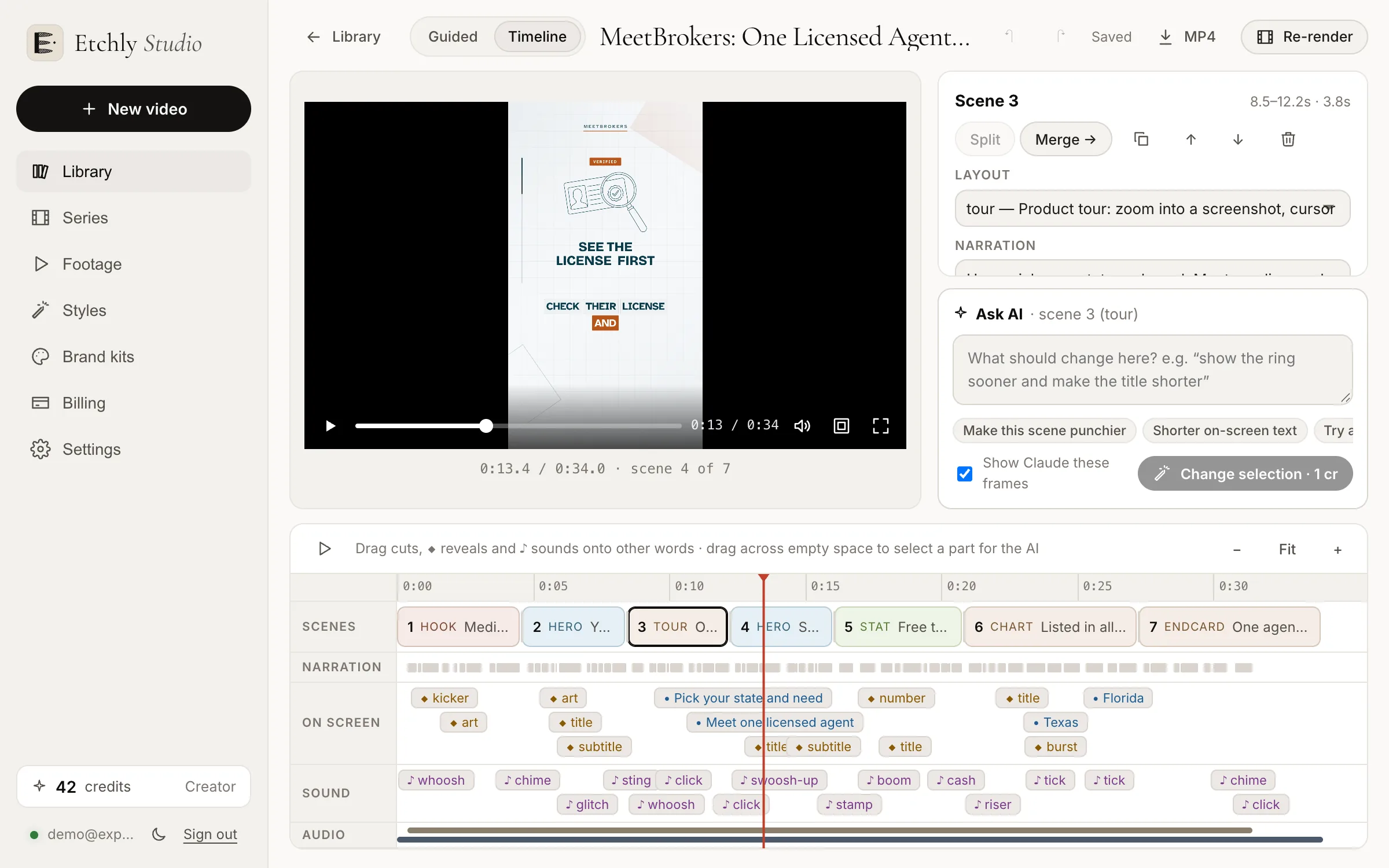
The Etchly timeline editor with scenes, reveals and sounds under the voiceoverThe Etchly timeline editor with scenes, reveals and sounds under the voiceover

Edits that snap to the words

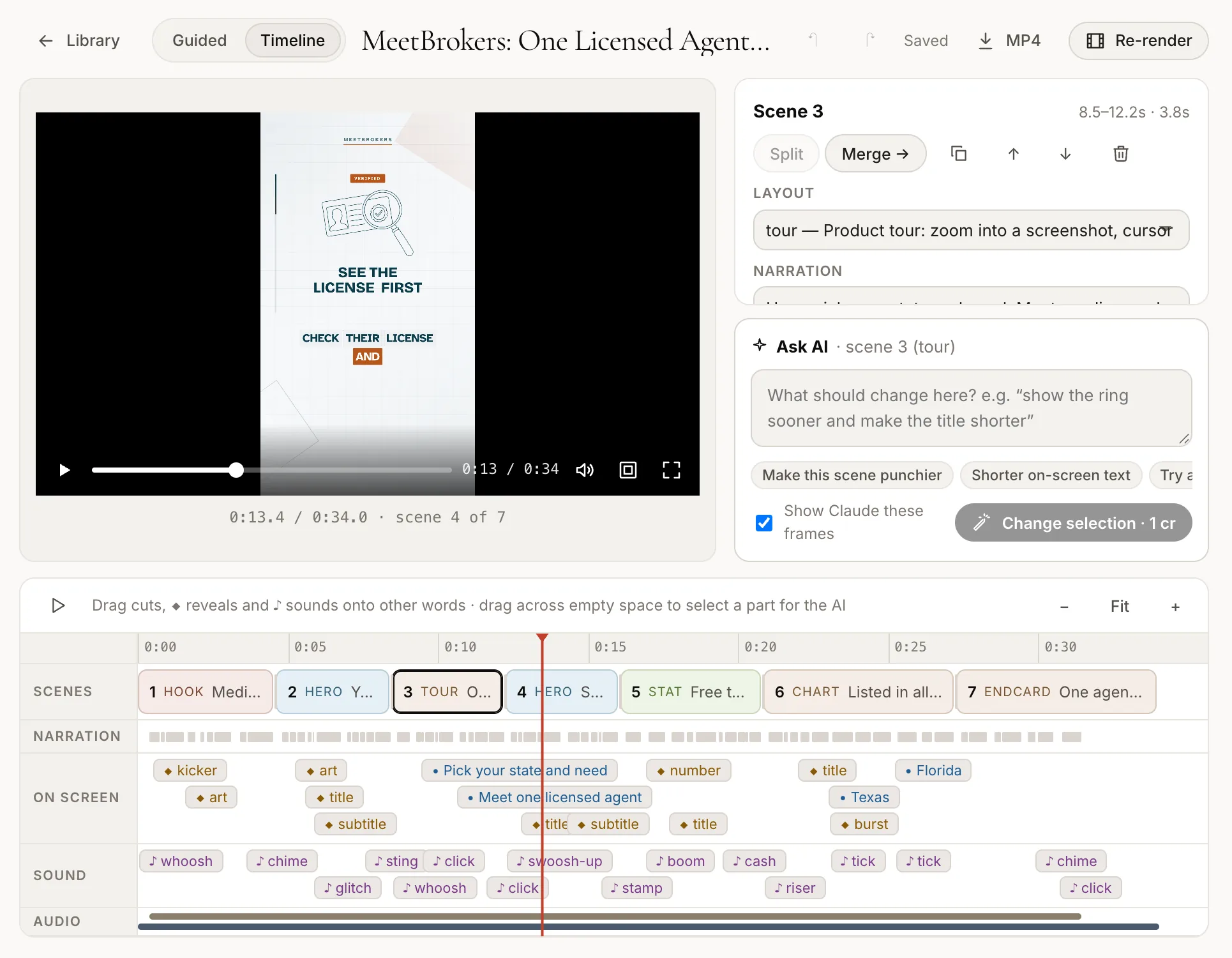
Every scene, on-screen reveal and sound effect sits on a timeline under the narration. Drag a reveal and it lands on the word you drop it on, so titles, items and illustrations always appear exactly when they're spoken.

  • Move a title, list item or illustration to a different word
  • Add, move or silence individual sound effects
  • Move a scene cut, or split and merge scenes
Moving a reveal to a new word in the Etchly timelineMoving a reveal to a new word in the Etchly timeline

Select a moment, describe the change

Highlight part of the timeline and say what you want, like “make this list punchier” or “show the product here instead”. Only the scenes you selected are rewritten, and the AI sees the frames exactly as you do. One click undoes it.

No new voiceover, no waiting

When the spoken words stay the same, your edit re-renders without recording the narration again, so timing tweaks come back in seconds. If you change the words, Etchly records the new lines for you.

Switch back any time

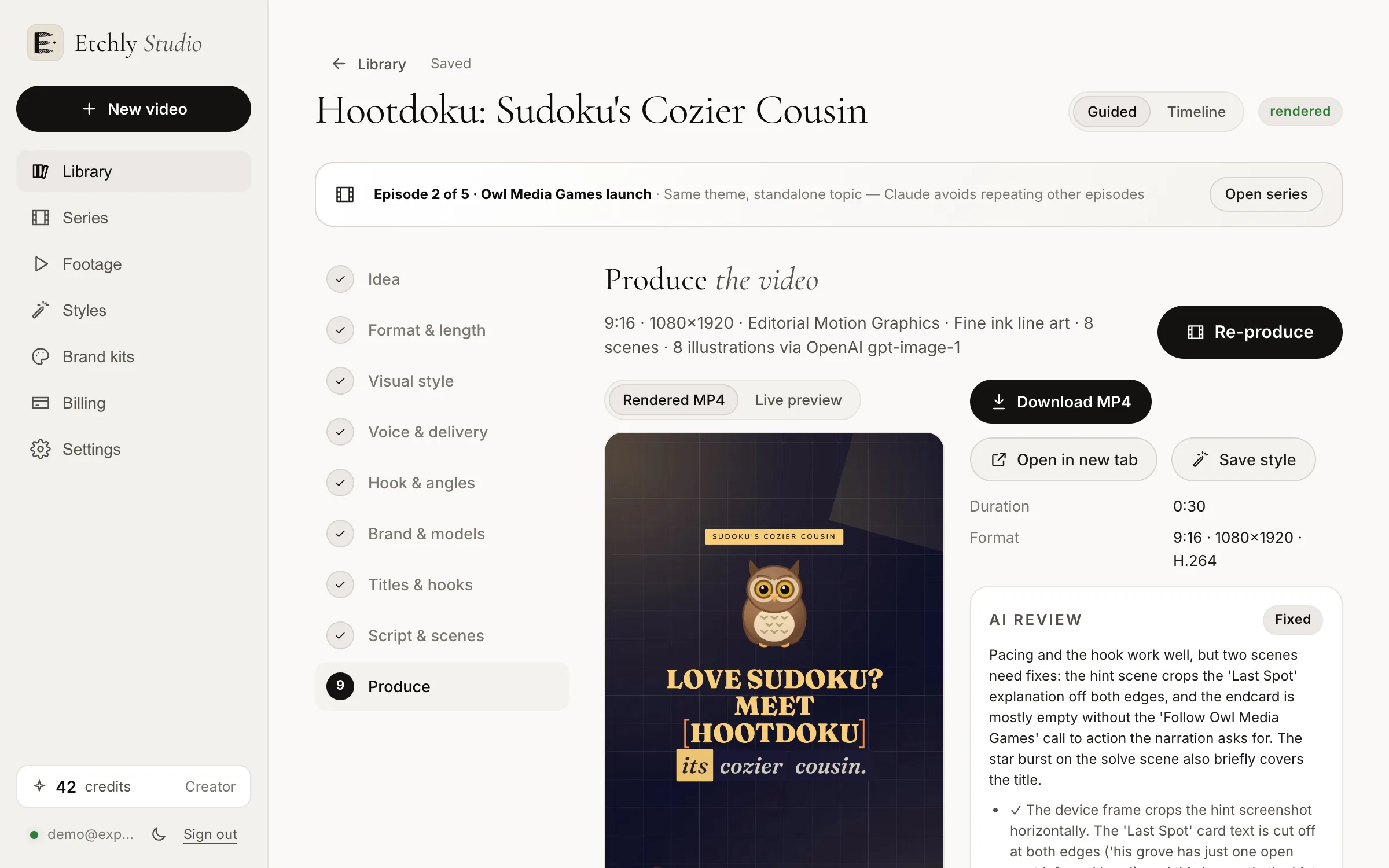
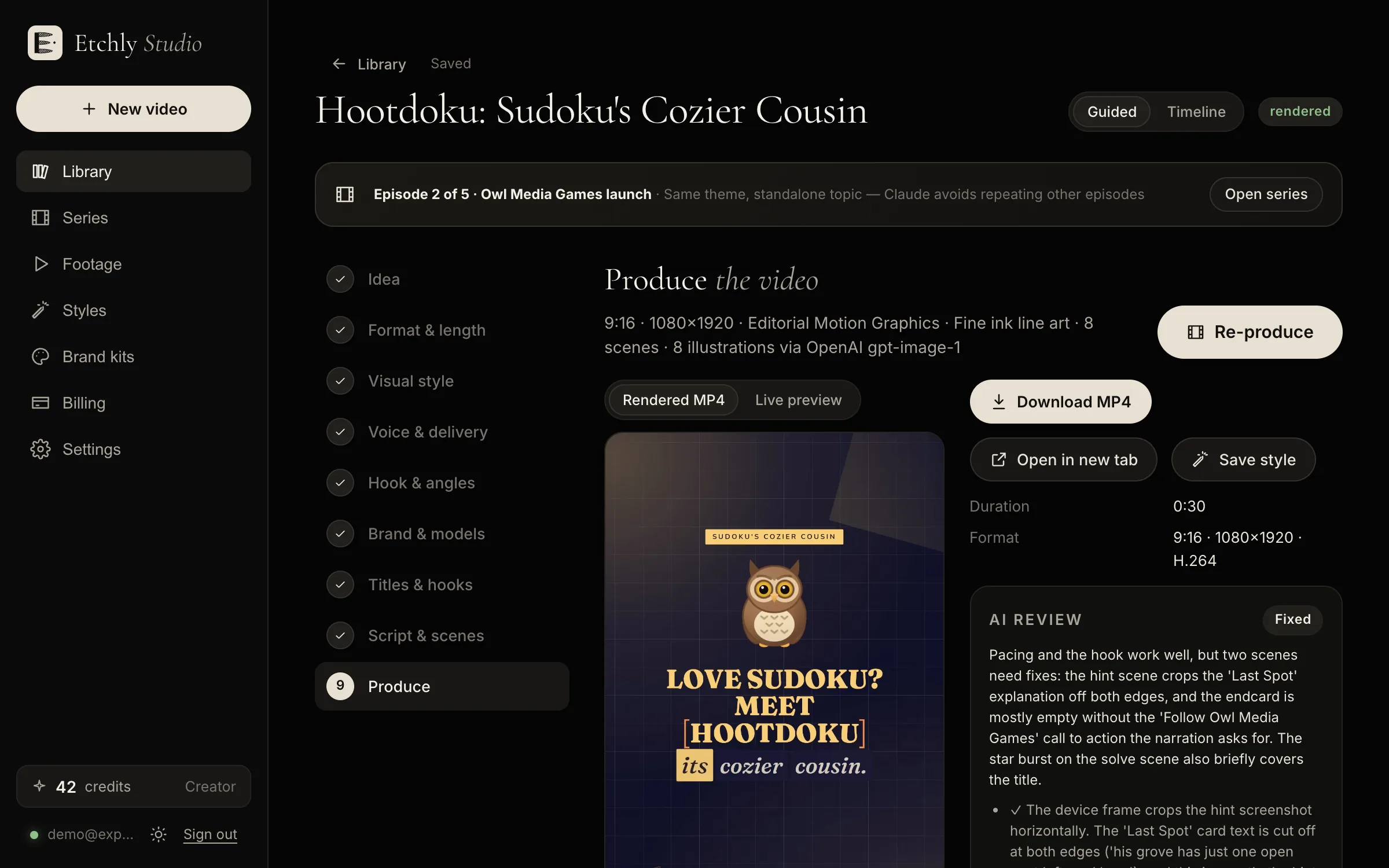
The guided steps and the timeline are two views of the same video. Change the brief or the script in the guided flow, fine-tune on the timeline, and your browser remembers which one you prefer.

The guided Produce step in Etchly StudioThe guided Produce step in Etchly Studio
FAQ

Timeline editor: questions

Do I have to use the timeline?

No. The guided flow makes a finished video on its own, and you can change anything in plain English. The timeline is there when you want precise control.

Can I move a scene cut?

Yes. Scene cuts, splits and merges move by the word, as long as the narration stays the same.

Does editing on the timeline cost credits?

Re-rendering an edit uses the normal render price. Asking AI to rewrite a selection costs the flat revision price, and new illustrations only if the change needs them.

Make your first video free.

10 free credits on signup, enough to script and produce a short 15-second video. No card required.

Start free