Seedance or animated stills? When you don't need generative video
An honest framework for choosing between generative video like Seedance and animated stills: which formats need real motion, which don't, and a hybrid approach.
Generative video models like Seedance 2.0, Veo 3.x, Kling and Sora can produce footage that would have needed a film crew a few years ago. They’re also billed per second, they produce short clips, and they don’t always get it right on the first try. So the useful question isn’t “which model is best?” It’s “does this video actually need generated motion at all?”
This post gives you an honest way to decide. Sometimes the answer is yes, and we’ll say so. Often it’s no.
What’s the difference between generative video and animated stills?
Generative video creates every frame. You describe a scene and the model renders motion: a person turning their head, water splashing, a camera flying through a city. You pay for every second it produces, and every retry.
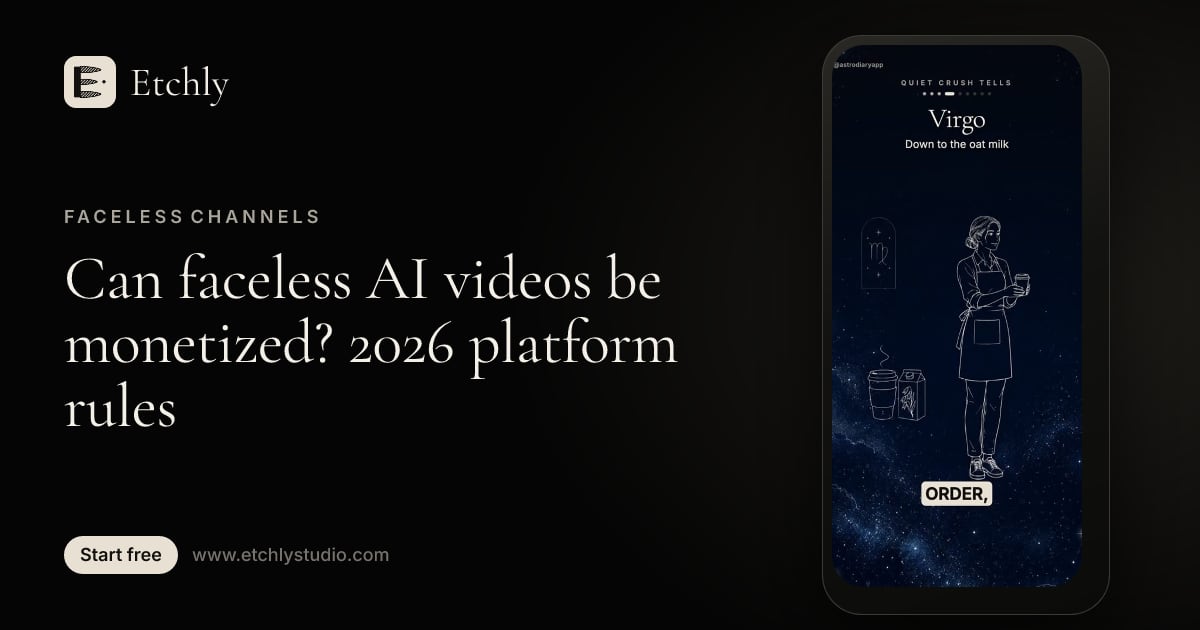
Animated stills start from a small set of still illustrations and bring them to life with motion design: slow push-ins, pans across a scene, parallax between foreground and background layers, line art that draws itself on, talking characters, kinetic titles and word-timed captions. The images are generated once and the movement is applied on top.
The second approach is how most explainer content has been made for years, long before AI. Documentary “Ken Burns” moves, whiteboard animation and motion graphics are all variations of it. AI just makes the illustrations faster and cheaper to produce.
When do you genuinely need generative video?
Be honest with yourself here. If the motion itself is the information, you probably need real motion. Pay for generative video (or real footage) when you need:
- Real-world physics. A drink being poured, fabric draping, a product snapping together, hair moving in wind. Stills can suggest these but can’t show them convincingly.
- Photoreal people acting. A realistic person walking, reacting or delivering lines in a live-action setting. Illustrated talking characters work well for many formats, but they won’t pass as live footage.
- Product demos where movement sells. How a stroller folds, how a lid seals, how a garment moves on a body. If the buyer needs to see it move to believe it, show it moving.
- Action and spectacle. Chase scenes, sports moments, dance, anything where the energy comes from continuous motion.
- A specific cinematic realism. Some brands and stories need a live-action feel. Stylization would work against them.
For these, generative video is worth the per-second price, and cutting corners will show.
When do animated stills do the job?
A large share of the videos people actually post don’t depend on realistic motion. The information lives in the words, and the visuals support the words. These formats work very well with animated stills:
- Explainers. Concepts, processes and “how does this work” videos. See what an explainer video is for the basics.
- Listicles and countdowns. “5 signs…” and “Top 7…” videos are driven by the reveal of each item, not by camera physics.
- Story narration. History, mystery, folklore, true stories and myths. Illustrated scenes with slow camera moves are a classic look for a reason.
- Myth vs fact and this vs that. Split frames, labels and kinetic text carry these formats.
- Educational content. Diagrams that draw on as you explain them often teach better than live footage.
- Ads built on illustration. Many brands already use illustrated identities. Animated stills keep the ad on brand.
- Faceless channel content. Psychology, finance tips, history, science and similar niches mostly run on narration plus visuals. Our guide to starting a faceless YouTube channel on a budget goes deeper.
A quick decision framework
Ask four questions about each shot, not each video:
- Is the motion the message? If a viewer would miss key information without realistic movement, use generative video.
- Does it need to look like live footage? If yes, use generative video or real footage. If a stylized look is fine or even better, stills work.
- Will I need consistency across many shots? Recurring characters and settings are easier to keep consistent with a fixed set of illustrations than across separate generations.
- How many versions will I make? If you’ll iterate on the script, make variations or produce a series, re-rendering animated stills costs little or nothing. Regenerating footage costs every time.
Here’s how common formats usually land:
| Format | Does motion carry the meaning? | Usual best fit |
|---|---|---|
| Concept explainer | Rarely | Animated stills |
| Listicle or countdown | No | Animated stills |
| Narrated story or history | Rarely | Animated stills |
| Myth vs fact | No | Animated stills |
| Illustrated brand ad | Sometimes | Animated stills, maybe one hero shot |
| App or software walkthrough | No | Screen recording plus motion graphics |
| Physical product demo | Often | Generative or real footage |
| Fashion or apparel in motion | Yes | Generative or real footage |
| Photoreal spokesperson | Yes | Generative or real footage |
| Action, sports, dance | Yes | Generative or real footage |
The hybrid approach: generative shots only where they matter
You don’t have to pick one approach for a whole video. Often the best result comes from mixing them:
- Build the video’s backbone with animated stills: the hook, the explanation, the captions, the call to action.
- Identify the one or two moments where real motion changes understanding, like the product in use.
- Generate only those shots, usually a few seconds each.
- Join them in your editor at the right point in the narration.
The math is friendly. At typical third-party API rates as of October 2026 (prices change, check the vendor), Seedance 2.0 at 1080p with audio runs about $0.42–$0.68 per generated second. Here’s a rough comparison for a 60-second video:
| Approach | Rough cost per attempt |
|---|---|
| 60 s fully generated with Seedance 2.0, 1080p | ~$25–$41 before rerolls, voice and editing |
| Hybrid: 50 s animated stills + two 5 s Seedance shots | ~$4–$6 for the stills video + ~$4–$7 for the two shots |
| 60 s animated stills, complete video | ~$4–$6 |
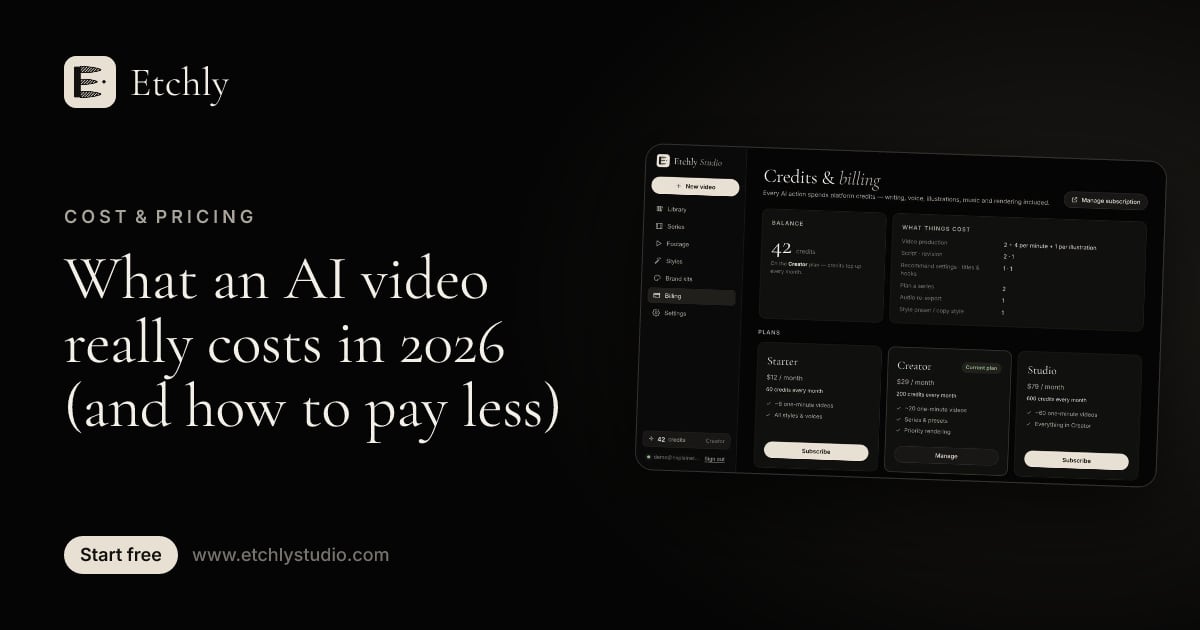
The animated-stills figure is based on a 60-second Etchly video with 16 new illustrations, which is about 25 credits, or roughly $4.10 on Studio, $4.90 on Pro and $6.25 on Starter. That includes the script, voiceover, music and render. See the full AI video cost breakdown for how these numbers add up.
Won’t animated stills look cheap?
Not if the motion is designed well. What makes a short look amateur usually isn’t the absence of generated footage. It’s:
- A weak first two seconds.
- A robotic or badly paced voice.
- Visuals that change at random instead of on the words they illustrate.
- Captions that are clipped, late or hard to read.
- Music that drowns out the narration.
Fix those and a stylized video reads as a deliberate look. This is the part Etchly focuses on: every scene is timed to the voiceover at the word level, the motion engine handles parallax, camera moves, etch-style line drawing and kinetic titles, and an AI reviewer watches the finished video to catch late reveals, overlaps and clipped text before you export. You can pick a look from a range of illustration styles, from ink line and engraving to watercolor, paper cut-out and full-frame scenes with Ken Burns moves.
A simple rule of thumb
If you’d describe the video by what’s said in it, animated stills will probably serve you well. If you’d describe it by what moves in it, budget for generative footage, at least for those shots.
Try the cheaper path first
For most explainers, listicles, story channels and small business promos, start with animated stills and only add generative shots if a specific moment needs them. You’ll spend less, iterate faster and keep a consistent look across a series.
Etchly gives you 10 free credits at signup with no card required, enough to try the workflow. See the plans and credit costs, or read our side-by-side Seedance alternative comparison.
Frequently asked questions
Is generative video always better than animated stills?
No. Generative video is better for photoreal people, real-world physics and live-action motion. For explainers, listicles, countdowns and narrated stories, animated stills with camera moves, parallax and kinetic text usually look just as polished and cost a fraction as much.
Can I mix generative clips with animated stills?
Yes, and it's often the smartest option. Build most of the video from animated stills, generate one or two short hero shots where real motion matters, and join them in your editor.
Will viewers notice a video uses animated stills?
Viewers notice pacing, voice quality, captions and whether the hook delivers. Stylized, illustrated motion reads as a deliberate look, not a shortcut, as long as the motion is timed to the narration.